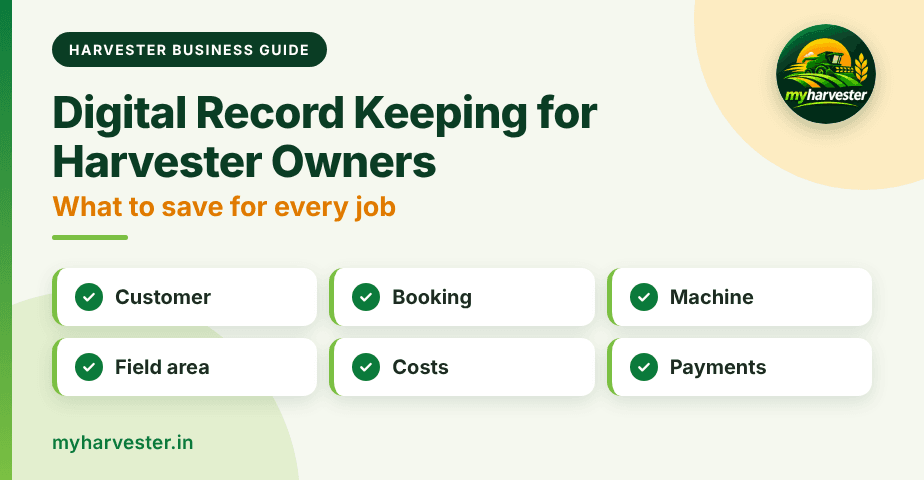
Quick answer: Digital record keeping for harvester owners means saving every job's customer, booking, machine, field area, costs, and payments in one mobile app. It replaces scattered notebooks and phone messages. You always know who owes you, what each job cost, and how much area you harvested.
A busy season creates many small details. One missed entry can cost you money or start an argument with a farmer. This guide shows what to save for every job and how myHarvester keeps it organized.
What Is Digital Record Keeping for a Harvester Business?
Digital record keeping means you enter job details on your phone, not in a paper diary. A digital record keeping app for harvester owners keeps those details connected. A customer, a booking, a field measurement, a cost, and a payment all link together.
This helps in three ways. You find any job in seconds. You see the full story of each customer, and you review the business without adding up pages by hand.
Why Do Notebook Records Fail in Peak Season?
Notebooks work when you have a few jobs. They break when the season gets busy. Entries get rushed, pages get lost, and numbers end up in different places.
- Details go missing: A rate or area written on a loose paper is easy to lose.
- Dues get forgotten: Small unpaid amounts add up when nobody tracks them.
- Costs stay hidden: Diesel and repair bills sit in pockets, not in your records.
- Disputes take longer: Without saved acreage, you depend on memory.
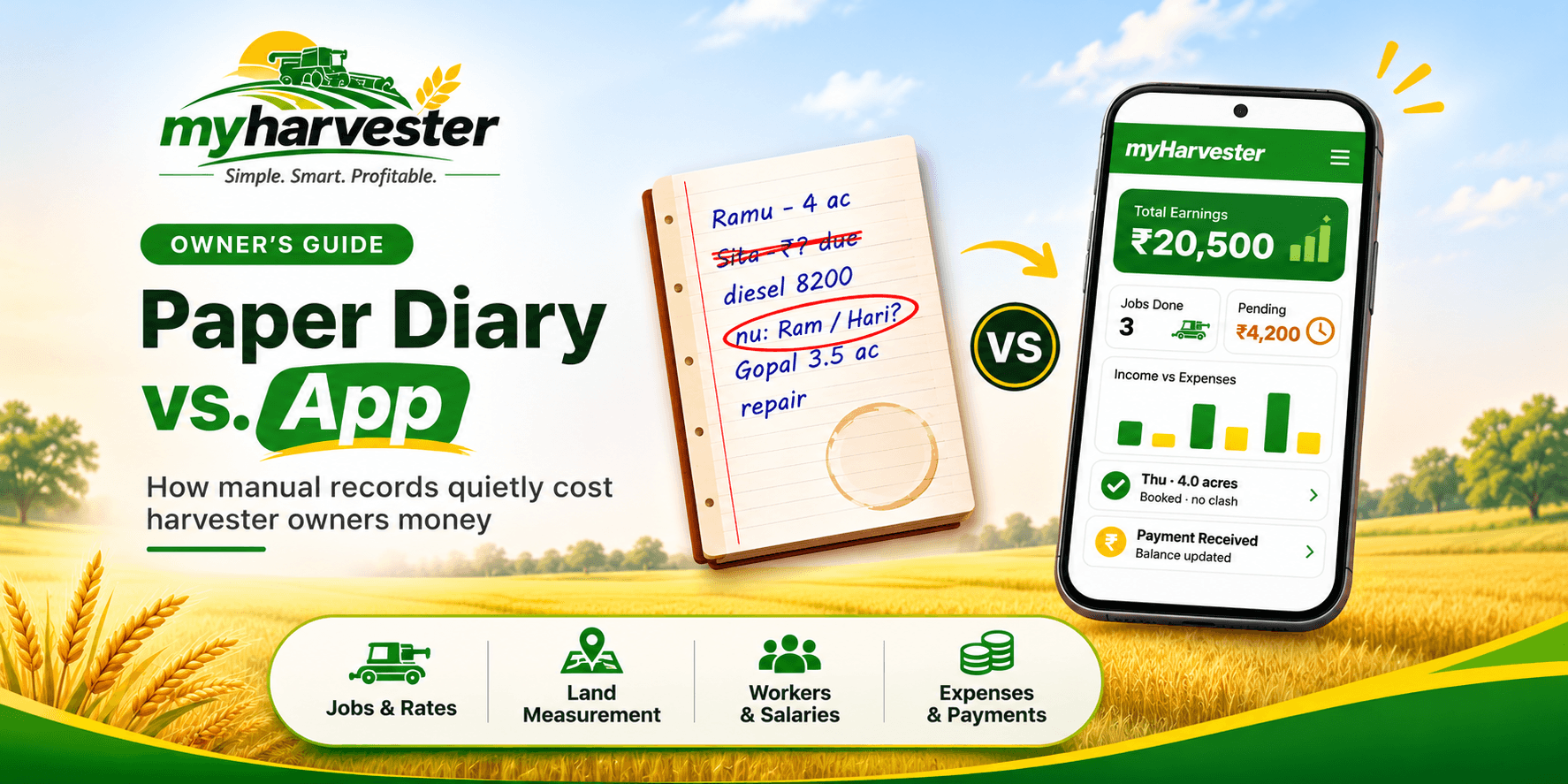
Our guide on paper diary vs a harvester management app shows how these small gaps turn into real losses. Fixing them starts with better records.
What Should You Save for Every Harvesting Job?
Every job has six groups of records. Save all six and your records stay complete. The table shows what to save and where myHarvester keeps it.
| Record group | What to save | Where in myHarvester |
|---|---|---|
| Customer | Contact details and field history | Customers |
| Booking | Customer, area, rate, and machine | Bookings |
| Machine | Machine details, work status, and seasonal activity | Harvesters |
| Field measurement | Accurate area and acreage for the job | Field Measurements |
| Costs | Diesel, repairs, spare parts, travel, and other daily operating costs | Expenses |
| Payments | Collections against completed work and the remaining due | Payments |
Step-by-Step: How Do You Record One Job from Start to Finish?
Follow the same five steps for every job. The routine takes a few minutes and keeps your records clean.
Step 1: Add the Customer
Save the farmer's contact details first. Over time, this builds field history, payments, and pending dues in one place.
Step 2: Plan the Booking
Enter the customer, area, rate, and machine in one booking. This connected record shows exactly what you agreed.
Step 3: Complete the Work and Save the Area
After the job, save the measured area and acreage. Accurate area helps you bill fairly and answer questions later.
Step 4: Record the Costs
Add diesel, repairs, spare parts, travel, and other daily costs. Enter them when they happen so nothing is forgotten.
Step 5: Record the Payment and Review the Business
Record each collection against the completed work. Check the remaining due, then review how the business is doing.
How Do Good Records Help You Run the Business?
Records are only useful when they answer real questions. These are the questions harvester owners ask most often.
- Who owes me money? Check pending dues before you accept a new booking.
- What did each machine do? Work status and seasonal activity stay organized.
- How much area did I harvest? Saved acreage gives you a clear number to discuss.
- What did the job cost me? Diesel, repairs, and travel sit beside your collections.
- What should I change next season? Review your jobs and costs while they are fresh.
Notebook vs. Digital Records: What Changes?
The table compares common tasks. The difference is clearest when the season is at its busiest.
| Task | Paper notebook | myHarvester |
|---|---|---|
| Finding a past job | Flip through many pages | Open the customer record |
| Checking pending dues | Add up amounts by hand | See the remaining due at a glance |
| Saving field area | A written note | Accurate area and acreage saved for each job |
| Tracking costs | Bills and scraps of paper | Diesel, repairs, spare parts, and travel in one place |
| Linking a job to a machine | Memory | Machine details in the booking record |
| Reviewing the season | Long manual adding | Jobs, costs, and payments reviewed together |
What Should You Look for in a Digital Record Keeping App?
Not every app suits a harvesting business. Use this checklist before you choose one.
- Built for harvesting jobs: It should cover harvesters, bookings, customers, field measurements, expenses, and payments.
- Simple on a phone: You should be able to enter a record in the field without training.
- Connected records: A booking should link to the customer, machine, costs, and payments.
- Clear dues: You should see what remains due on each job.
- Easy start: Registration should be quick, with no paperwork.
What Mistakes Should You Avoid?
Most record keeping problems come from a few habits. Fix them early in the season.
- Waiting until the weekend: Enter records the same day, while details are fresh.
- Saving only payments: Costs and acreage matter as much as collections.
- Skipping the customer record: Without it, dues and history stay scattered.
- Using two systems: A notebook plus an app splits your data.
- Never reviewing: Records help only when you look at them.
Start Digital Record Keeping with myHarvester
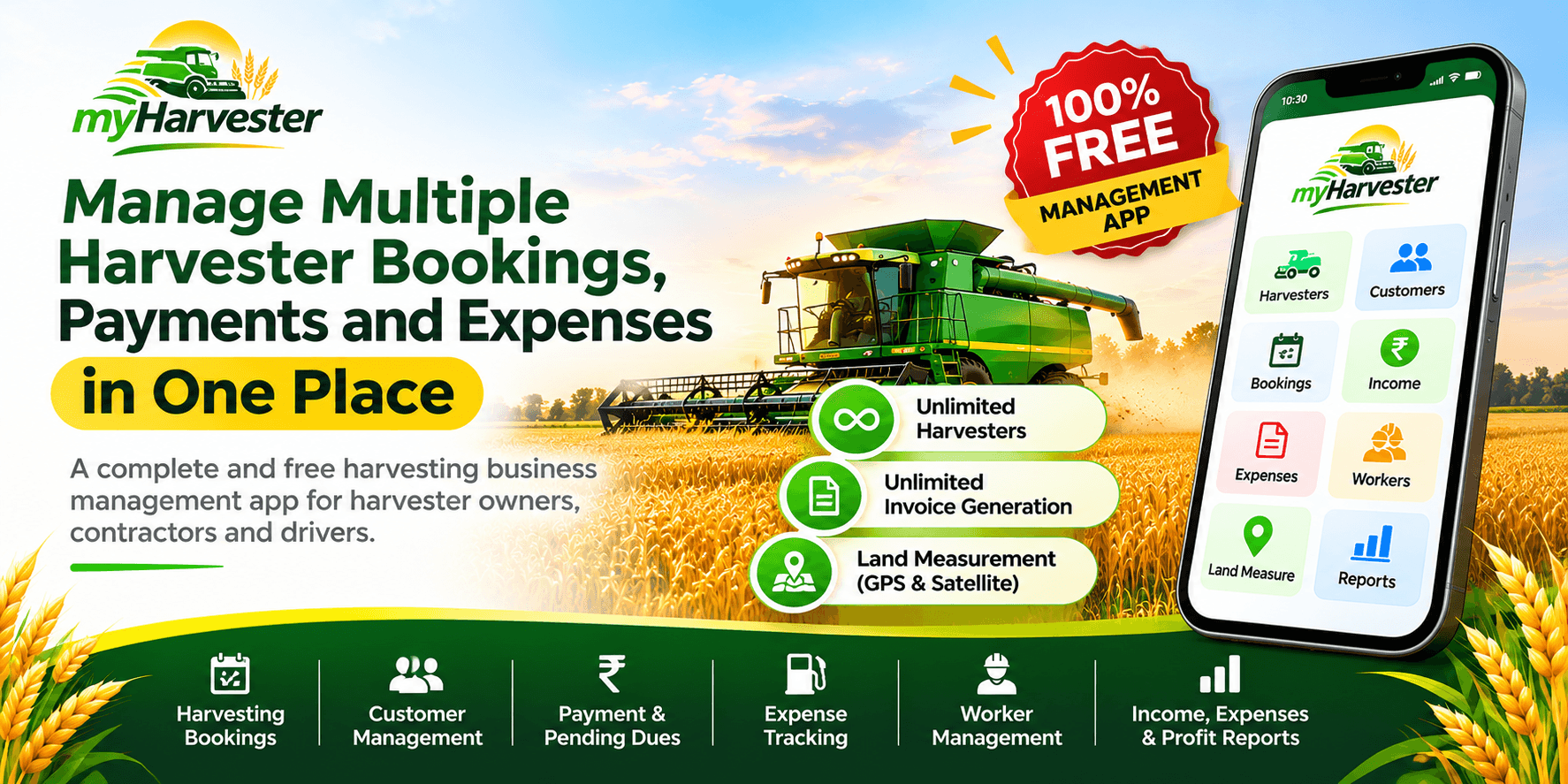
myHarvester is trusted by 100+ harvester owners across India and has managed 500+ harvesting jobs. It keeps harvesters, bookings, customers, field measurements, expenses, and payments in one app. It is best for owners who run one or more machines and want every job's customer, area, cost, and payment in one place.
Register at myHarvester or download the app. Verify with a WhatsApp OTP, and start after quick account approval.
Frequently Asked Questions
What is digital record keeping for harvester owners?
Digital record keeping means saving each harvesting job on your phone instead of in a paper diary. In myHarvester, you keep harvesters, bookings, customers, field measurements, expenses, and payments connected in one app.
What should a harvester owner record for every job?
Record the customer, the booking with area, rate, and machine, and the measured acreage. Then add costs such as diesel, repairs, spare parts, and travel, plus every payment collected. This gives you a complete record of each job.
Is a mobile app better than a notebook for harvester records?
A mobile app keeps customer, booking, cost, and payment details connected, so you can see pending dues at a glance. A notebook keeps them on separate pages. An app also helps you review the whole business without adding up pages by hand.
How do I start digital record keeping for my harvester business?
Register at myHarvester or download the app and verify with a WhatsApp OTP. Start after quick account approval. Then add your customers and machines, and record each new booking as it comes.