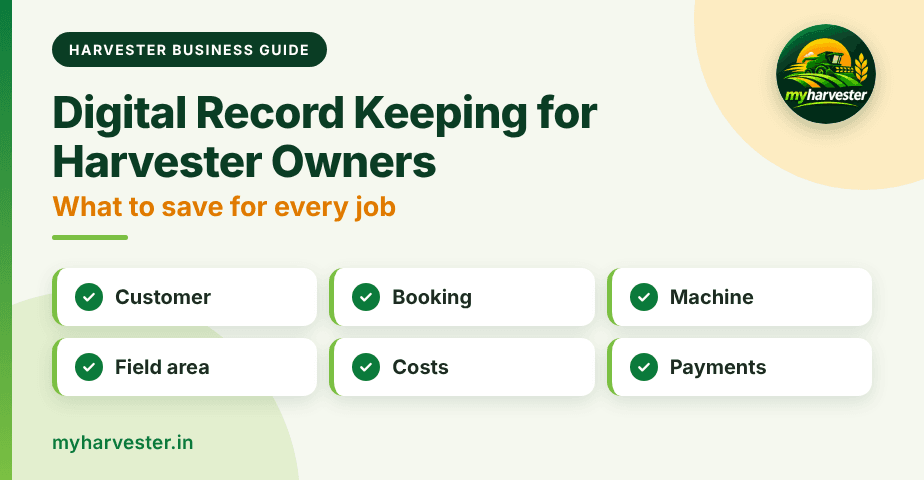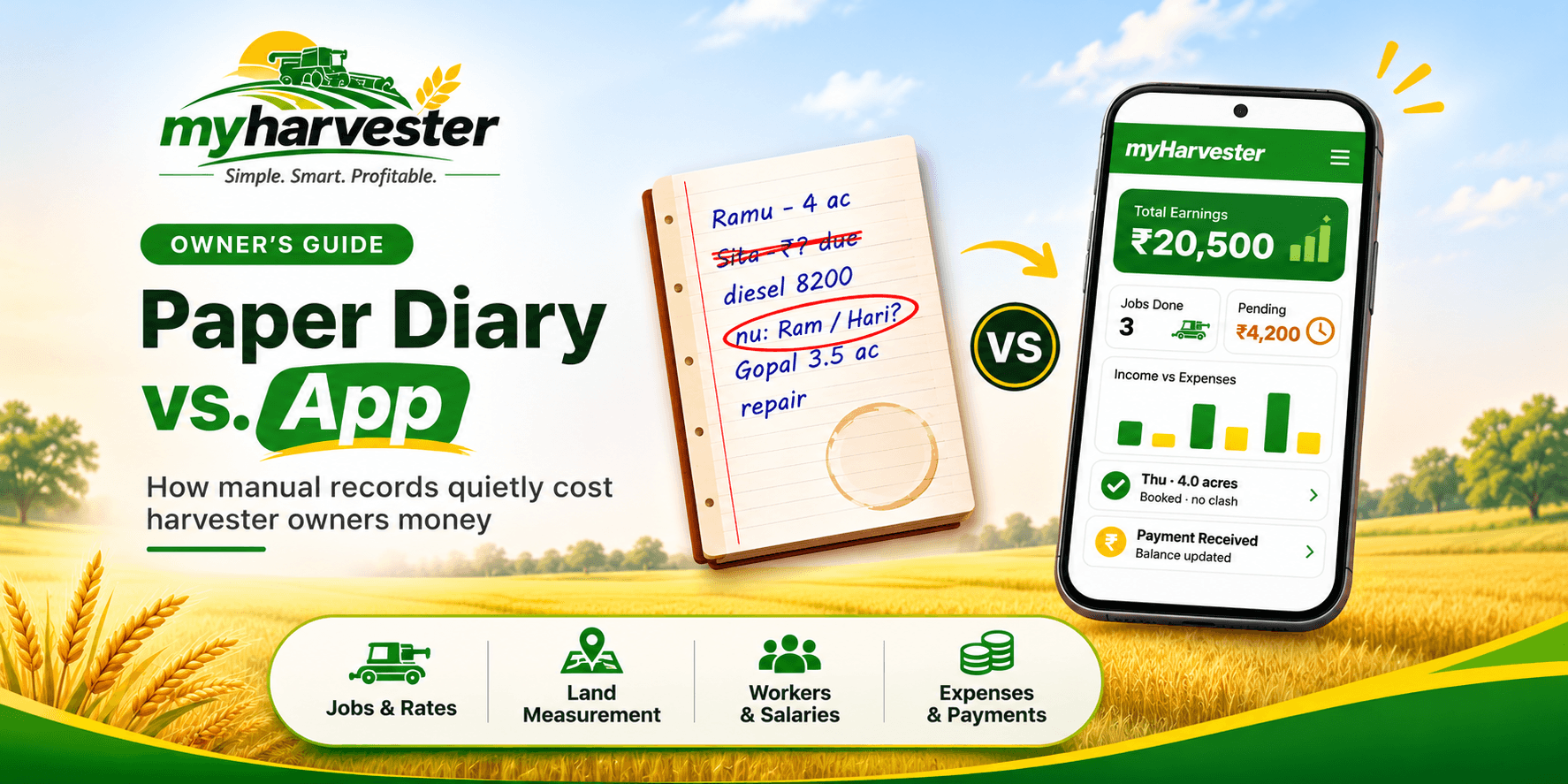
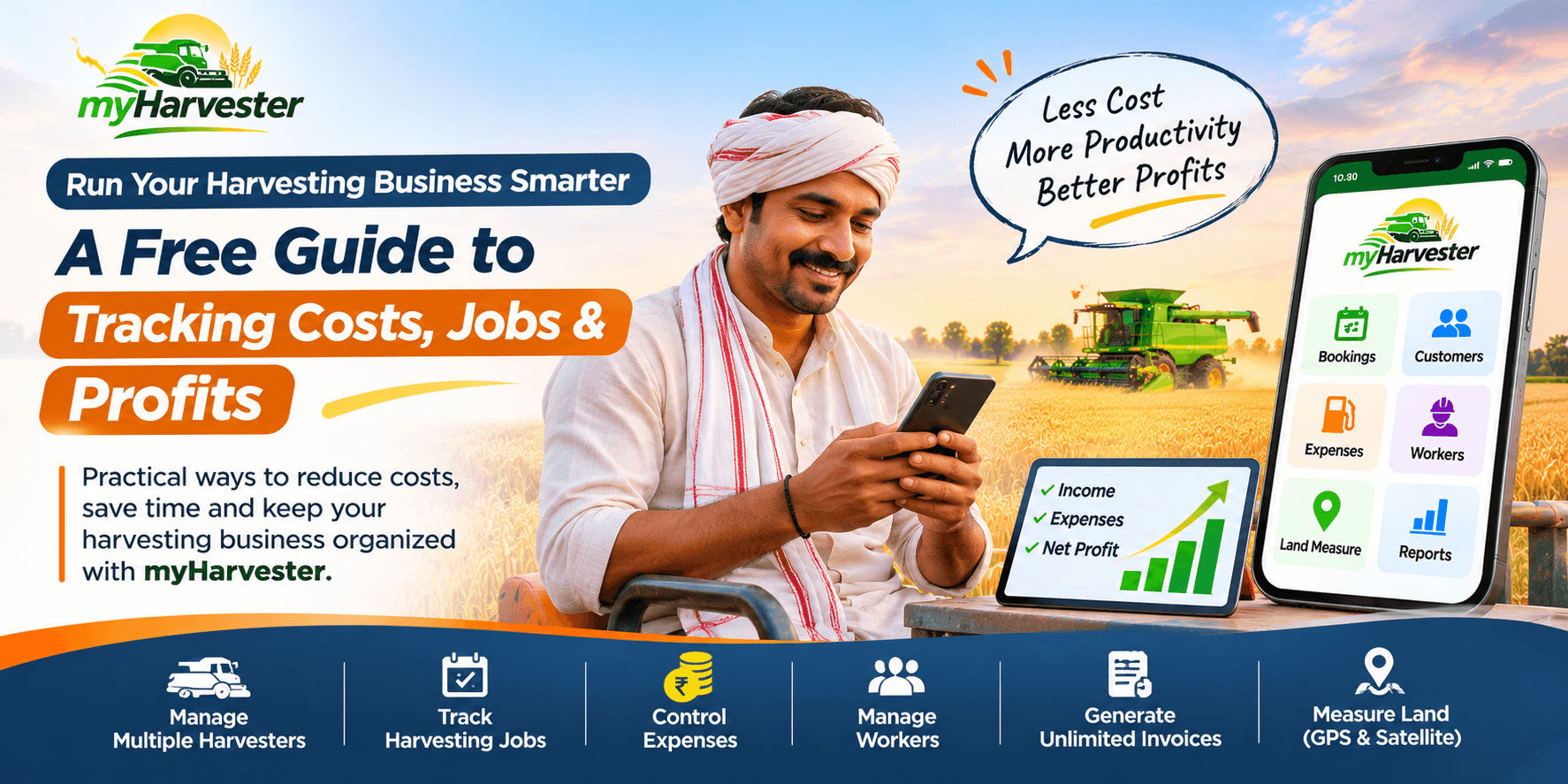
Running a harvesting business involves much more than driving a combine harvester. During a busy season, you may need to confirm jobs across several villages, pay drivers, arrange diesel, calculate harvesting charges and collect money from customers. When these details are spread across notebooks, phone calls and messages, even simple questions can take time to answer.
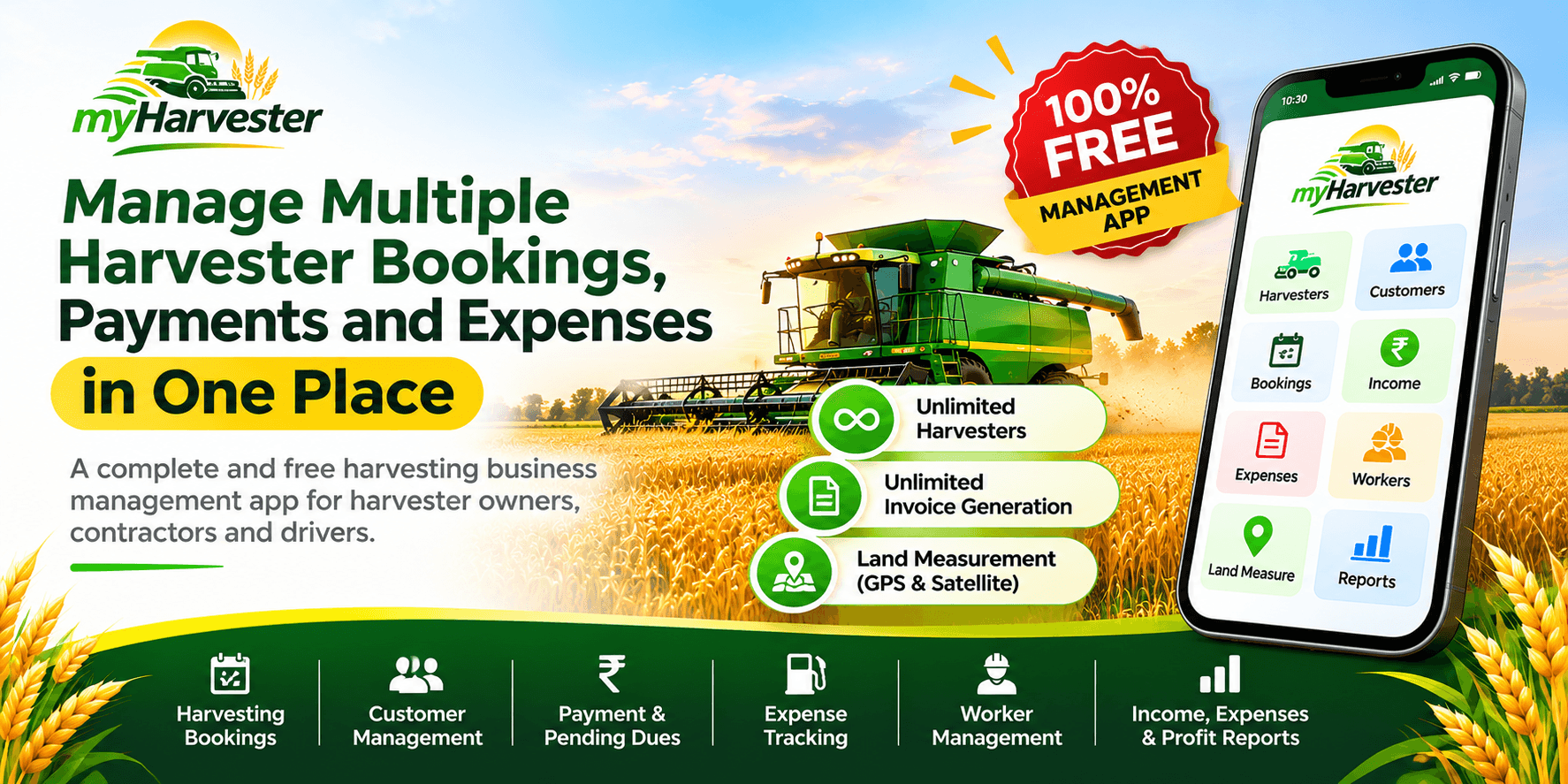
myHarvester brings your harvesting business records together in one place. Its free management features include unlimited harvesters, unlimited invoice generation, GPS and satellite-based land measurement, worker records, expenses, customer payments and reports.
Where Does Time and Money Go During Harvesting Season?
Consider an owner managing three machines. One harvester needs diesel, another has a job waiting in a different village, and a customer wants to know the remaining amount on an earlier bill. Without reliable records, the owner must search through messages or call several people to reconstruct the details.
Common sources of avoidable confusion include overlapping bookings, missing expense entries, unrecorded advances, delayed payment follow-ups and uncertainty about field area or agreed rates. Software cannot make fuel cheaper or prevent every problem, but organized records make it easier to spot issues and act sooner.
1. Keep Every Harvesting Job Organized
Record a job when it is confirmed rather than waiting until the end of the day. Include the customer, field, crop, area, rate, assigned harvester and current job status. This gives you a clearer picture of what is upcoming, in progress and completed.
| Customer | Field Area | Rate | Job Status |
|---|---|---|---|
| Ramesh Patel | 10 acres | ₹2,000/acre | Upcoming |
| Suresh Verma | 8 acres | ₹2,100/acre | In progress |
| Mohan Singh | 12 acres | ₹1,950/acre | Completed |
Example data for illustration.
With myHarvester, harvesting jobs and customer details can be maintained together, helping you review work without relying on scattered notes.
2. Watch Diesel and Maintenance Spending
Diesel, spare parts, repairs and travel are important operating costs. Their amounts can vary with field conditions, crop, machine condition and distance travelled. Recording expenses against the correct harvester helps reveal recurring or unusual spending.
| Date | Harvester | Expense | Amount |
|---|---|---|---|
| 5 Nov | Harvester 1 | Diesel | ₹8,000 |
| 6 Nov | Harvester 2 | Diesel | ₹6,500 |
| 7 Nov | Harvester 1 | Spare parts | ₹4,000 |
| 8 Nov | Harvester 3 | Diesel | ₹5,500 |
| Total | ₹24,000 |
Illustrative expenses, not typical or guaranteed costs.
Use the expense tracking in myHarvester to record costs as they occur. Reviewing them weekly can help you investigate unexpected increases before the season ends.
3. Make Pending Customer Payments Easy to Find
A completed harvesting job does not always mean the full bill has been paid. Some customers pay an advance or settle the amount in installments. Keeping the agreed charges, received payments and remaining balance together makes follow-up easier.
| Payment Detail | Amount |
|---|---|
| Total harvesting charges | ₹35,000 |
| Amount received | ₹20,000 |
| Pending amount | ₹15,000 |
Updating payments in myHarvester when money is received helps you check customer dues without manually recalculating them.
4. Measure Fields with GPS or Satellite Maps
Harvesting charges often depend on land area. When a field has an irregular boundary, manual estimates can lead to confusion about the final bill. myHarvester provides two field measurement options:
- Satellite map: Select boundary points on a map to estimate the enclosed area.
- GPS walking: Walk around the boundary while your phone records location points.
Measurements can be viewed in square feet, square meters, acres, hectares and configurable regional units such as bigha. Because the size of a bigha varies by region, check the configured conversion before using it for billing.
Map and phone-based measurements are estimates and should not replace an official survey where one is required.
5. Create and Share Unlimited Invoices
Writing bills by hand for every completed job adds repetitive work. Digital invoices can help keep the customer, harvested area, rate and amount charged in a consistent format.
myHarvester includes unlimited invoice generation at ₹0 app cost. You can generate invoice PDFs and share them through WhatsApp, without a per-invoice charge from the app.
6. Manage Multiple Machines Without Multiple Accounts
Owners with more than one harvester need to understand which machine completed each job and what it cost to operate. Separate machine records also make it easier to compare performance.
myHarvester supports unlimited harvester management for free, with individual machine records and consolidated business views. Assign jobs and expenses to the correct harvester so reports remain meaningful.
7. Keep Worker Wages and Advances Clear
Drivers, helpers and tractor operators may receive wages, partial payments or advances during the season. Keeping a running balance helps avoid disagreements and forgotten payments.
For example, if a worker earns ₹15,000, receives a ₹5,000 advance and is later paid ₹4,000, the remaining amount is ₹6,000. Worker records in myHarvester help track attendance, wages, advances and payments in one place.
8. Review Profit, Not Just Revenue
High income does not necessarily mean high profit. Diesel, wages, repairs and other costs must be considered when reviewing business performance.
Net profit = Total income − Total expenses
| Seasonal Summary | Amount |
|---|---|
| Harvesting income | ₹3,50,000 |
| Diesel | ₹90,000 |
| Worker wages | ₹45,000 |
| Spare parts | ₹20,000 |
| Maintenance | ₹15,000 |
| Other expenses | ₹10,000 |
| Total expenses | ₹1,80,000 |
| Net profit | ₹1,70,000 |
Illustrative calculation before any additional applicable costs.
Dashboard summaries and reports in myHarvester help you review income, expenses and outstanding receivables rather than relying only on cash collected.
A Simple Daily Routine for Better Records
- Before work: Check confirmed jobs, field locations, rates and assigned machines.
- During work: Record job updates, field measurements and operating expenses.
- After each job: Confirm the harvested area, update payments and generate an invoice.
- At day's end: Review worker payments, diesel costs, pending dues and tomorrow's jobs.
Consistent updates make a digital system more useful than entering a season's worth of records from memory.
What Can You Manage for Free?
| Feature | Availability |
|---|---|
| Unlimited harvesters | Included at ₹0 app cost |
| Harvesting jobs and customer records | Included |
| Income, expenses and pending payments | Included |
| Worker attendance, wages and advances | Included |
| GPS and satellite field measurement | Included |
| Unlimited invoice generation | Included |
| Dashboard and business reports | Included |
These management features are offered through myHarvester at no app cost. Standard third-party charges, such as mobile data or external messaging services, may still apply.
Frequently Asked Questions
How can a harvester owner reduce operating costs?
Record diesel, repairs, spare parts, wages and other costs consistently. Reviewing the records helps identify unusual spending and supports better decisions; savings are not guaranteed.
Can software help with customer payment follow-ups?
Yes. Recording the total bill, payments received and remaining amount against each job makes pending dues easier to check.
Is myHarvester free?
Yes. The platform offers free management features including unlimited harvesters, unlimited invoices, land measurement and expense tracking.
Can I manage several combine harvesters in one account?
Yes. myHarvester supports unlimited harvesters, with machine-specific and consolidated records.
Can I measure land using a phone?
Yes. GPS walking and satellite map boundary selection are available for area estimates. Accuracy depends on location conditions and selected boundaries.
Can I share harvesting invoices through WhatsApp?
Yes. You can generate invoice PDFs and share them through WhatsApp.
Make Your Next Harvesting Season Easier to Manage
Better records do not eliminate every operational challenge, but they make bookings, expenses, customer dues and worker payments easier to understand. Start with a simple habit: record each job and expense when it happens, then review your reports regularly.
Unlimited harvesters. Unlimited invoices. Land measurement. ₹0 management app cost.
Explore the free tools at myHarvester and start organizing your harvesting business today.
myHarvester — Simple. Smart. Profitable.