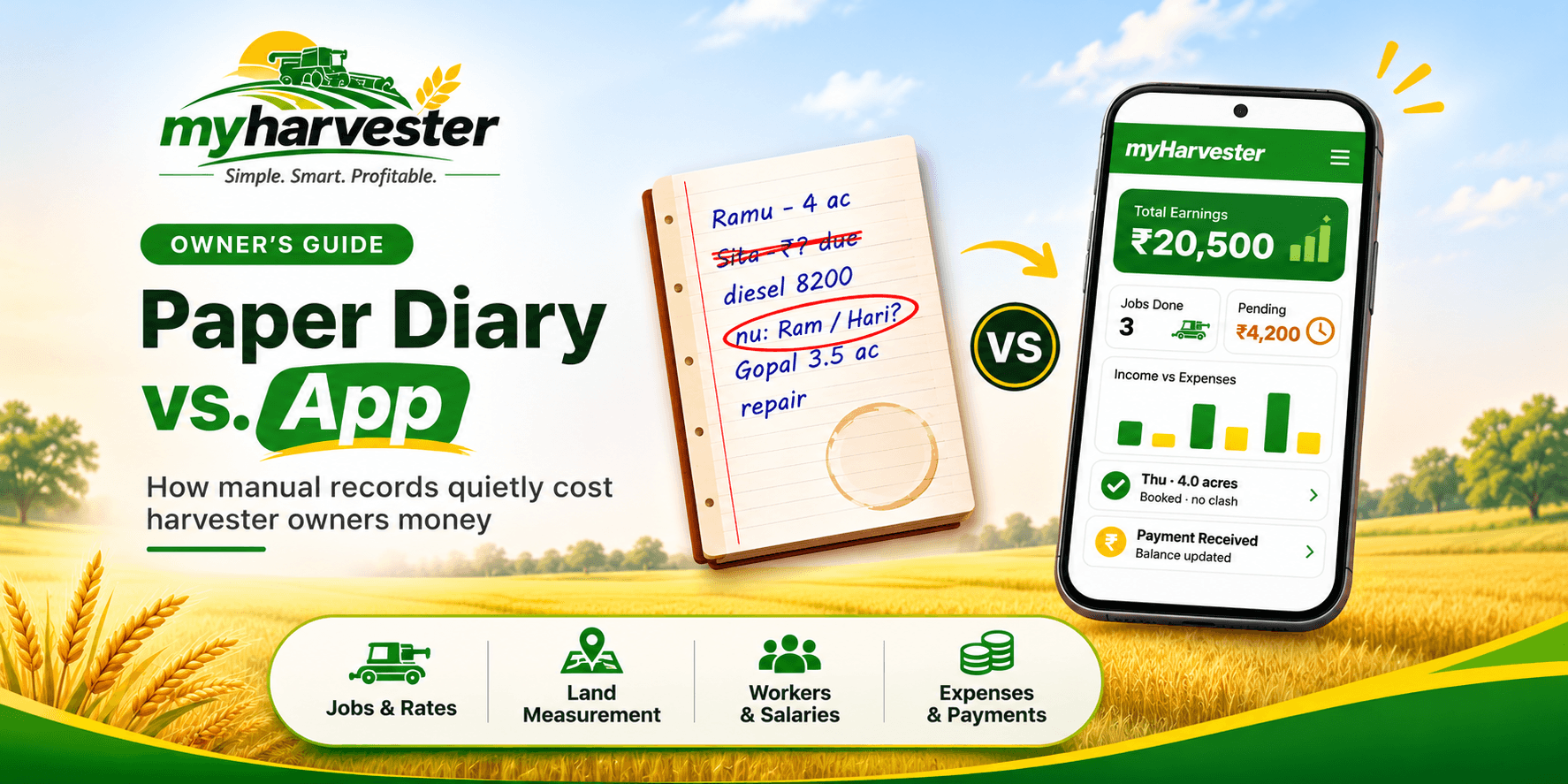
It is late evening during the paddy harvest. You sit with your diary and try to total the day's work. One page has a chai stain, and another has a number you cannot read.
You guess, close the book, and hope the guess is right. Guesswork like this quietly costs harvester owners money every season. This guide shows where the losses happen and how to manage your harvester business with myHarvester.
Why Paper Diaries Work Until the Season Gets Busy
A diary is cheap, familiar, and needs no training. For a handful of jobs, it does the work. Many owners have run their business this way for years.
The problem starts when jobs overlap. Bookings, dues, and costs all land in one notebook, and one page cannot show how they connect. A diary records entries, but it cannot add them up for you.
5 Ways Manual Records Cost Harvester Owners Money
These losses rarely show up as one big bill. They appear as small leaks across the season. Here are the five most common ones.
1. Double Bookings and Missed Jobs
When bookings live on scattered pages, two farmers can get the same slot. One of them calls another harvester, and you lose the job. A missed or double-booked day in peak season is hard to win back.
2. Acreage Disputes with Farmers
Without a saved measurement, you and the farmer rely on memory. If the two numbers differ, the bill becomes an argument. You may lose part of the payment, or the relationship.
3. Forgotten and Delayed Collections
Small pending amounts get buried under new entries. Months later, nobody remembers the exact figure. Money you already earned stays unpaid.
4. Costs You Cannot See
Diesel, repairs, spare parts, and travel spread across many pages and bills. Without a total, you cannot tell what a job really cost. You may price the next job too low.
5. No Clear Picture of Profit
Profit needs income and costs side by side. A diary rarely shows both in one view. At season end, you know you were busy, but not whether you earned well.
Why These Leaks Grow in Peak Season
In peak weeks, you are in the field from morning to night. You note things in a hurry and sometimes skip a day of entries. Each skipped entry becomes a gap you must fill from memory later.
Phone calls also arrive at the worst time. A farmer asks for a date, and you answer without checking every page. That is how double bookings begin.
A simple app can make each entry quicker. When a record takes less effort, it is more likely to be saved on time.
Paper Diary vs. Harvester Management App: Side-by-Side
The table below compares both methods across daily tasks. The gap is clearest during peak season. Use it as a quick checklist for your own records.
| Daily task | Paper diary | myHarvester app |
|---|---|---|
| Planning bookings | Check pages by hand for free dates | Customer, area, rate, and machine in one connected record |
| Checking farmer history | Search through old pages | Contact details, field history, and dues in one place |
| Recording area | A handwritten note per job | Area and acreage recorded for each job |
| Tracking costs | Scattered notes and bills | Diesel, repairs, spare parts, and travel tracked together |
| Tracking payments | Add up amounts by hand | Collections recorded, remaining due visible at a glance |
| Reviewing the season | Rebuild numbers from many pages | Jobs, costs, and payments reviewed together |
| Keeping records safe | One physical book can be lost or damaged | Records saved in your account |
How myHarvester Solves Each Problem
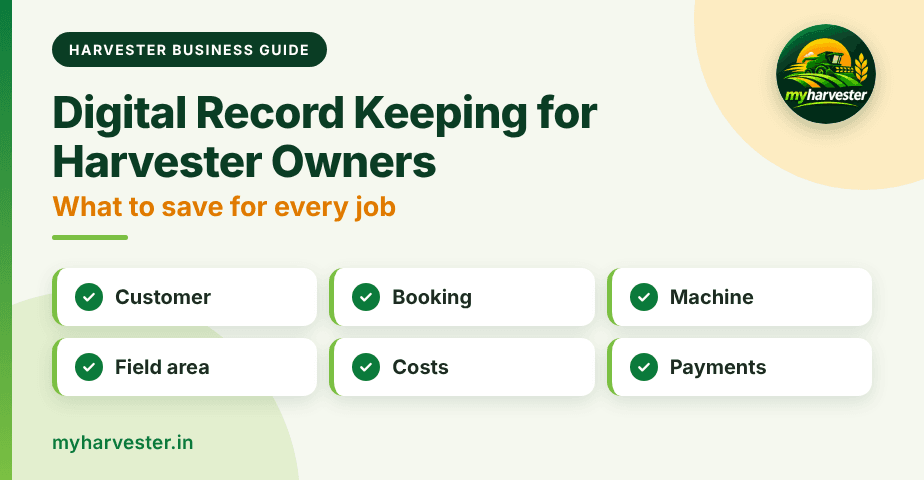
myHarvester covers six areas, and each one targets a leak described above. Records link to each other, so one entry feeds the full picture.
| Problem | myHarvester feature | How it helps |
|---|---|---|
| Double bookings | Bookings | Plan field work with customer, area, rate, and machine details in one record |
| Scattered machine details | Harvesters | Machine details, work status, and seasonal activity stay organized |
| Lost farmer history | Customers | Contact details, field history, payments, and pending dues in one place |
| Acreage disputes | Field Measurements | Accurate area and acreage saved for each job |
| Hidden costs | Expenses | Diesel, repairs, spare parts, and travel recorded |
| Unclear dues | Payments | Collections recorded against completed work, with the balance shown |
Can You Switch Without Disrupting Your Season?
Yes, you can start small. You do not need to copy your whole diary on day one. Begin with the next booking and build from there.
- Register: Sign up at myharvester.in or download the app, then verify with a WhatsApp OTP.
- Add customers: Save each farmer when he calls or when you visit his field.
- Plan new bookings in the app: Enter the area, rate, and machine for every new job.
- Record costs and payments: Add diesel, repairs, and collections as they happen.
- Keep the diary as a reference: Use it for old jobs until the app holds your current season.
A Quick Test of Your Current Records
Ask yourself five questions. If you hesitate on any of them, your records may be costing you money.
- Dues: Can you tell how much a farmer owes in a few seconds?
- Slots: Can you see at once whether Thursday is already booked?
- Area: Do you have the measured acreage for every completed job?
- Costs: Do you know this season's diesel cost so far?
- Profit: Can you say which machine earned the most?
If you answered "no" more than once, it is time to move from diary to app. Read our complete guide to using a harvester management app to see the full picture.
Start Managing Your Harvester Business with myHarvester
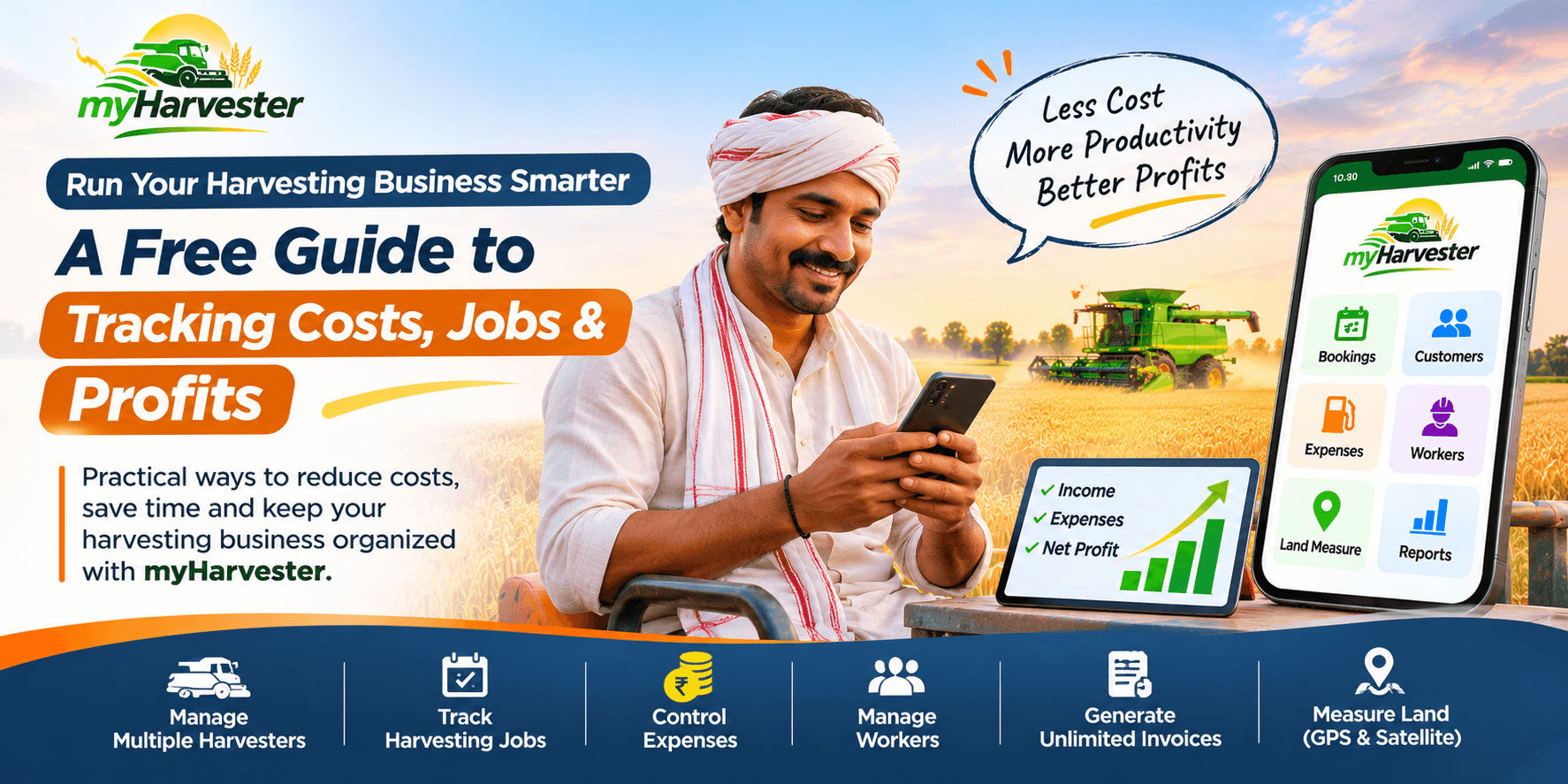
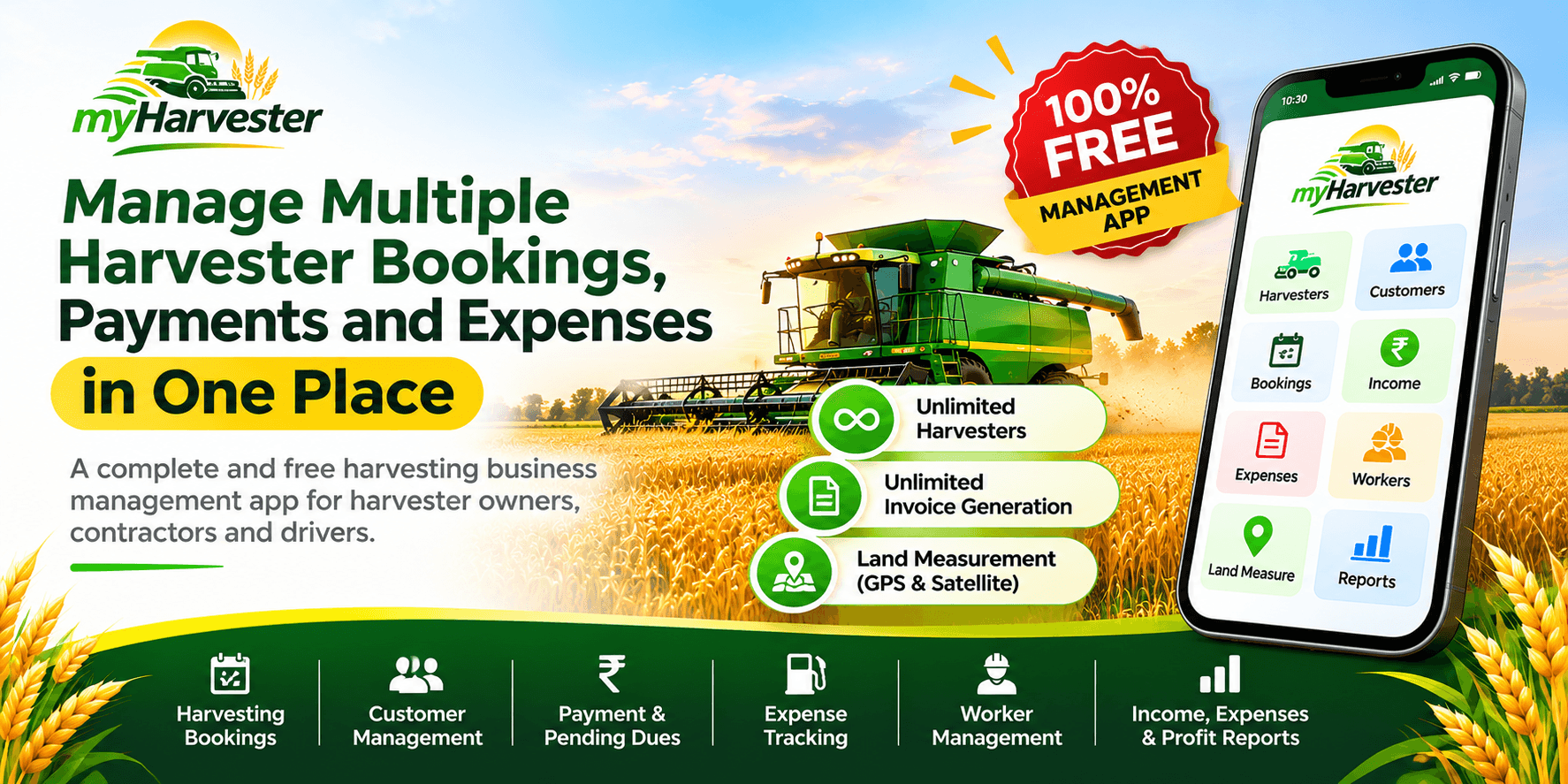
myHarvester is trusted by 1,000+ harvester owners across India and has managed 5,000+ harvesting jobs. It keeps harvesters, bookings, customers, field measurements, expenses, and payments in one app.
Next, learn how to manage bookings and field measurements and how to track expenses and payments. If you run several machines, see our guide on multi-harvester fleet management.
Stop guessing from a diary. Register at myHarvester or download the app before your next booking call.
Frequently Asked Questions
Is a paper diary enough to manage a harvester business?
A paper diary can work for a few jobs. As bookings, dues, and costs grow, it becomes hard to track them together. An app like myHarvester keeps them in connected records.
What are the risks of keeping manual harvester records?
The main risks are double-booked jobs, acreage disputes, forgotten dues, and hidden costs. A lost or damaged diary can also erase important records.
How does a harvester management app reduce acreage disputes?
It records area and acreage details for each job and saves them with the booking. You and the farmer can refer to the same figure, so billing stays clear.
How do I switch from a paper diary to myHarvester?
Register at myHarvester or download the app, verify with a WhatsApp OTP, and start after quick account approval. Begin with your next booking and keep the diary only as a reference for old jobs.