Managing a harvesting business involves more than operating a combine harvester. From scheduling jobs and maintaining customer records to collecting payments, measuring fields, managing workers and tracking daily expenses, every activity needs attention.
During the harvesting season, these responsibilities can become difficult, especially when you own multiple harvesters or work across different villages.
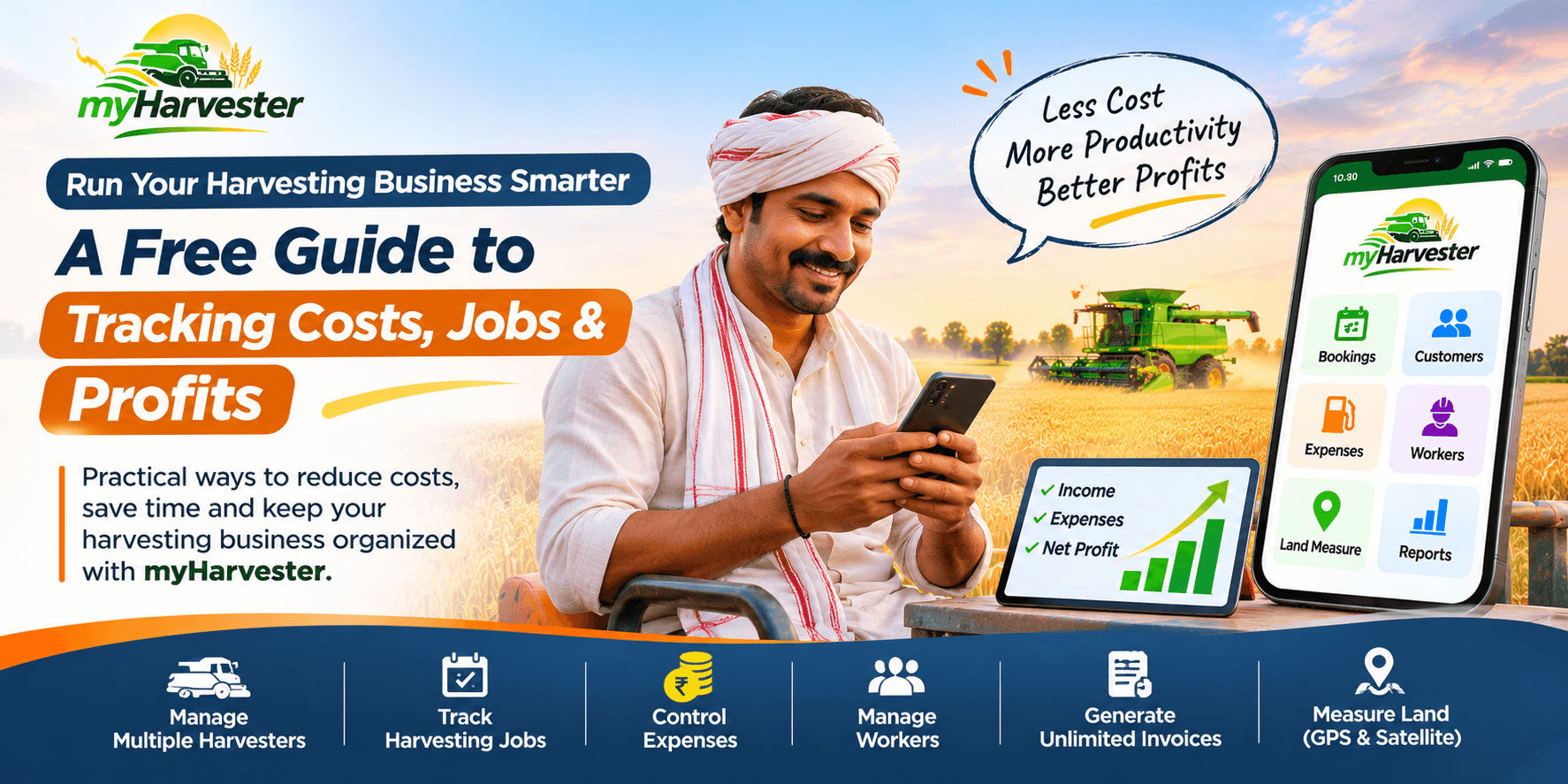
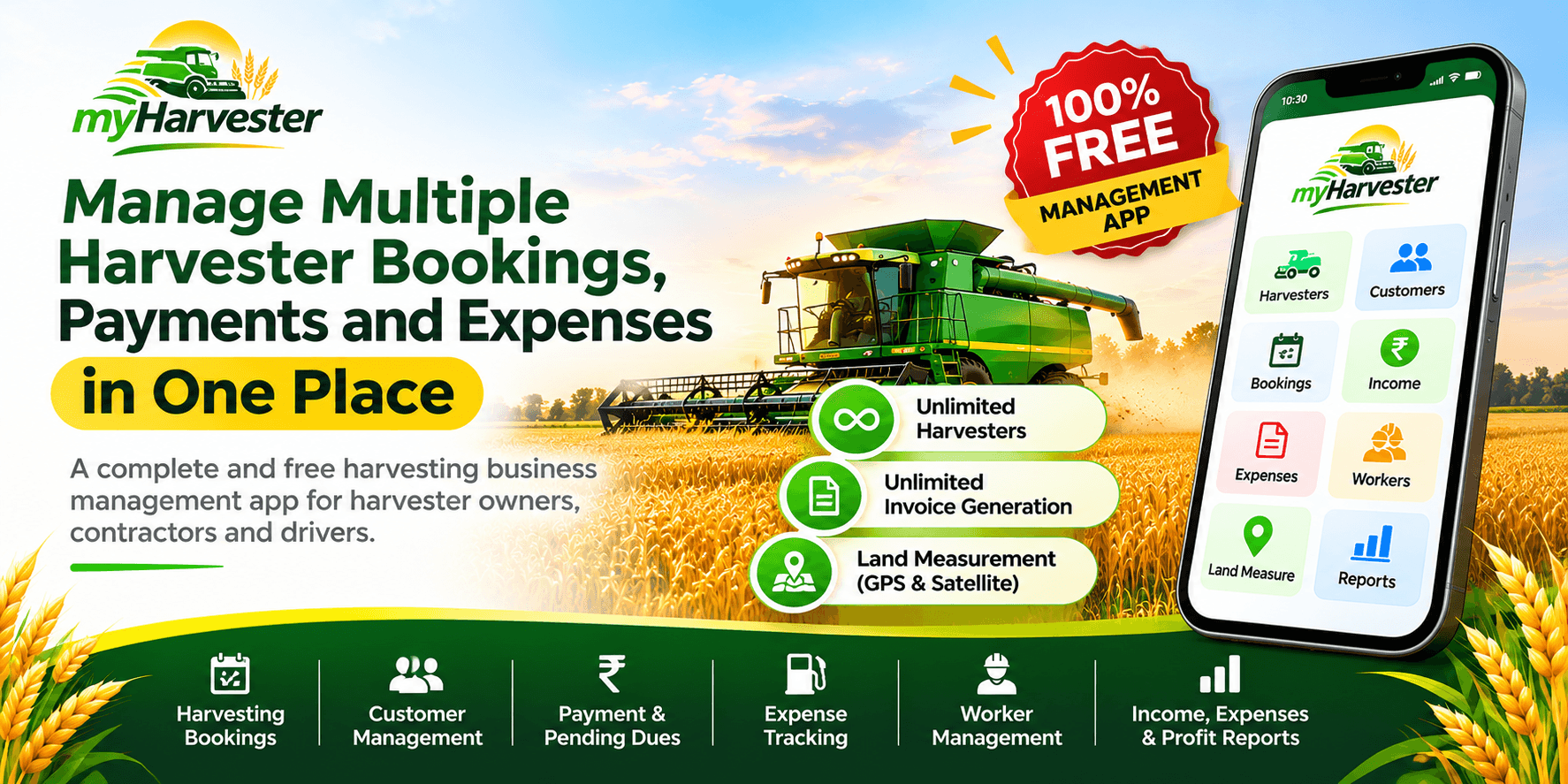
myHarvester is a free harvesting business management application designed to bring these activities into one convenient platform. Manage unlimited harvesters, generate unlimited invoices, measure agricultural land, track expenses and monitor customer payments at ₹0 management app cost.
Why Managing Multiple Harvester Bookings Is Challenging
A busy harvesting season often involves several customers, fields and overlapping schedules. One farmer may require harvesting today, another tomorrow, while a third customer may need work in a different village.
Owners and contractors must keep track of:
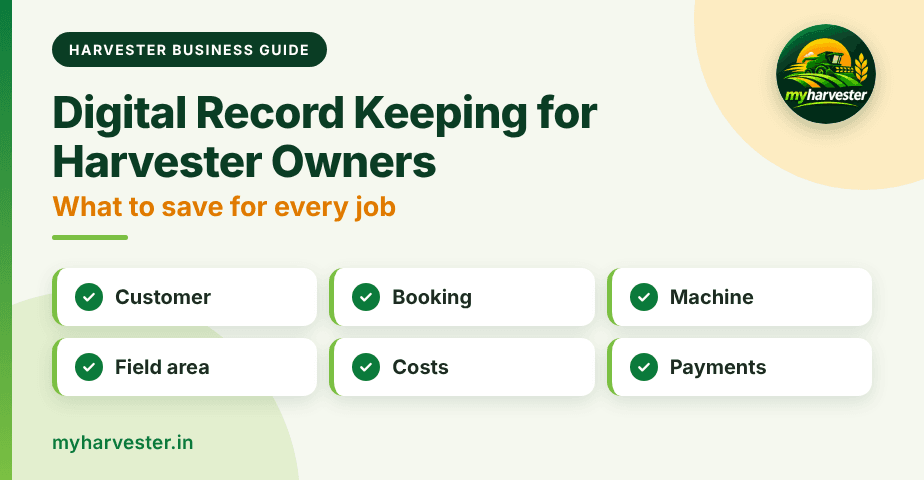
- Customer names, contact details and field locations
- Harvesting dates, crop types and agreed rates
- Field areas and local measurement units
- Upcoming, active and completed jobs
- Payments received and outstanding balances
- Diesel, maintenance, spare parts and other costs
- Drivers, workers, wages and advances
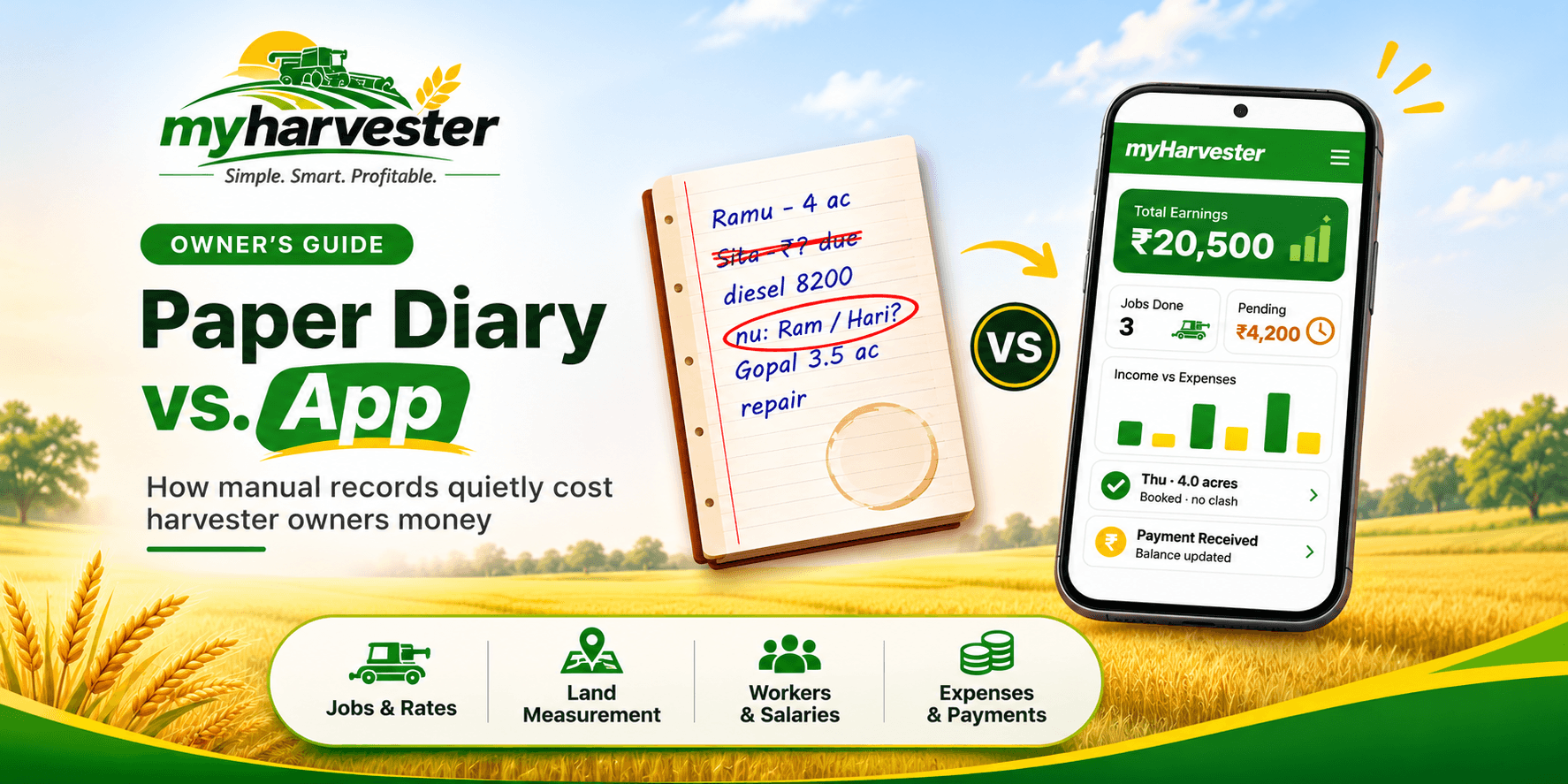
When information is spread across notebooks, spreadsheets and messages, finding the right record can take time. A digital harvester management app helps keep those records together.
1. Manage Unlimited Harvesters for Free
With myHarvester, you can add and manage unlimited harvesters without additional management app charges. Maintain records for each machine, including harvesting jobs, income and expenses.
- Add multiple harvesters under one account.
- Keep separate job and financial records for each machine.
- Switch between harvesters when reviewing records.
- See consolidated business information across machines.
2. Organize Harvesting Bookings and Customer Records
Record customers and harvesting jobs with the relevant field, crop, area, rate and job details. Organized records help you understand which jobs are upcoming, underway or completed.
Example harvesting records
| Customer | Field Area | Harvesting Rate | Job Status |
|---|---|---|---|
| Ramesh Patel | 12 acres | ₹2,000/acre | Upcoming |
| Suresh Verma | 8 acres | ₹2,100/acre | In Progress |
| Mohan Singh | 15 acres | ₹1,950/acre | Completed |
Example records are illustrative.
3. Measure Agricultural Land Using GPS and Satellite Maps
The built-in land measurement tool in myHarvester helps estimate the area of a field before calculating harvesting charges.
Satellite Map Measurement
Select field boundary corners on a satellite map to estimate the enclosed area. This works best when the boundaries are clearly visible.
GPS Walking Measurement
Walk around the field boundary with your phone to record location points and estimate its area.
Supported Area Units
- Square feet
- Square meters
- Acres
- Hectares
- Bigha with configurable regional conversion values
Note: GPS and satellite measurements are estimates. Accuracy depends on location signals, imagery and boundary selection. They do not replace official land surveys where required.
4. Track Customer Payments and Pending Dues
Customers may pay in full, pay partially or settle dues later. Recording each payment against the harvesting job helps owners see what has been received and what remains outstanding.
| Payment Detail | Example Amount |
|---|---|
| Total Harvesting Charges | ₹24,000 |
| Payment Received | ₹15,000 |
| Pending Payment | ₹9,000 |
These are example amounts. Actual dues depend on the job and payments recorded.
5. Generate Unlimited Invoices at Zero Cost
myHarvester includes unlimited invoice generation with no per-invoice management app charge. Create invoices from harvesting job information and share PDFs with customers through WhatsApp.
- Create invoices for completed harvesting services.
- Keep customer billing records organized.
- Reduce manual calculations and paperwork.
- Share invoice PDFs through WhatsApp.
- Generate as many invoices as needed throughout the season.
6. Record Diesel, Maintenance and Other Expenses
Income alone does not show how a harvesting business is performing. Record operating costs such as diesel, spare parts, maintenance, wages and other expenses to understand where money is spent.
| Expense Category | Example Amount |
|---|---|
| Diesel | ₹30,000 |
| Spare Parts | ₹12,000 |
| Worker Wages | ₹8,000 |
| Maintenance | ₹5,000 |
| Other Expenses | ₹3,000 |
| Total Expenses | ₹58,000 |
Illustrative amounts only.
7. Manage Workers, Attendance, Wages and Advances
Keep worker information alongside the harvesting business records. Track combine drivers, tractor drivers, helpers and seasonal staff, including:
- Worker details and roles
- Attendance and work records
- Wages and earnings
- Advance payments and amounts paid
- Remaining balances
8. Monitor Income, Expenses and Net Profit
To understand performance, review income and operating costs together. A basic calculation is:
Net Profit = Total Income − Total Expenses
| Financial Summary | Example Amount |
|---|---|
| Total Income | ₹2,50,000 |
| Total Expenses | ₹1,10,000 |
| Net Profit | ₹1,40,000 |
This simplified example is before any additional applicable costs. The dashboard and reports in myHarvester help monitor earnings, expenses, pending payments and harvesting activity.
9. Manage Your Harvesting Business From One Place
A connected workflow reduces the need to maintain separate notebooks for customers, jobs, payments, workers and invoices:
- Add your harvester: Create a machine record and configure its harvesting settings.
- Add a customer: Save the farmer's contact and field information.
- Measure the field: Estimate area with GPS walking or satellite maps.
- Create a harvesting job: Enter crop, area, rate and job details.
- Record payments: Update collections and outstanding balances.
- Generate an invoice: Create a PDF and share it through WhatsApp.
- Record costs: Add diesel, parts, wages and other expenses.
- Review reports: Check earnings, expenses and business activity.
10. Why Choose myHarvester?
myHarvester is built for harvesting business owners and contractors who want practical tools without extra management app charges.
| Feature | Availability |
|---|---|
| Unlimited Harvester Management | Free |
| Customer Records and Harvesting Jobs | Included |
| Income and Expense Tracking | Included |
| Pending Payment Tracking | Included |
| Worker Management | Included |
| GPS and Satellite Land Measurement | Included |
| Unlimited Invoice Generation | Free |
| Invoice PDF Sharing Through WhatsApp | Included |
| Dashboard and Reports | Included |
These management features are offered at ₹0 app cost. External mobile data or messaging charges, if any, are separate.
Best Practices for Managing Multiple Harvester Bookings
- Record bookings immediately: Add customer and job information when the booking is confirmed.
- Update payments regularly: Record each collection against the correct job.
- Track expenses daily: Add diesel, maintenance and wages when they occur.
- Maintain accurate worker records: Keep attendance, wages and advances up to date.
- Review reports: Check earnings, expenses and pending balances regularly.
- Use digital invoices: Share clear billing records with customers.
Frequently Asked Questions
Is myHarvester free to use?
Yes. myHarvester offers harvesting business management features at ₹0 app cost, including unlimited harvesters, land measurement and unlimited invoice generation.
Can I manage multiple harvesters in one account?
Yes. You can manage unlimited harvesters and keep their records organized under one account.
Can I measure agricultural land using my phone?
Yes. GPS walking and satellite map corner selection are available for estimating field area. Actual accuracy varies.
Can I generate unlimited harvesting invoices?
Yes. You can generate unlimited invoices without per-invoice management app charges and share invoice PDFs through WhatsApp.
Can I track pending customer payments?
Yes. Record received amounts and review outstanding balances for harvesting jobs.
Can I track diesel and other operating expenses?
Yes. Record diesel, parts, maintenance, wages and other harvesting-related costs.
Can I manage workers and wages?
Yes. Maintain worker details, attendance, wages, advances and payment records.
Is myHarvester suitable for small harvester owners?
Yes. It is designed for owners of a single machine as well as businesses managing multiple harvesters.
Final Thoughts
Running a harvesting business requires coordination of machines, customers, workers, bookings, payments and expenses. Scattered records make everyday decisions harder.
myHarvester brings those records together with free unlimited harvester management, GPS and satellite land measurement, unlimited invoices, customer payment tracking, expense management and business reports.
Start Managing Your Harvesting Business for Free
Unlimited Harvesters. Unlimited Invoices. Land Measurement. ₹0 App Cost.
Visit myHarvester to explore the features and get started.
myHarvester – Simple. Smart. Profitable.