It is peak wheat season. Your combine is cutting in one village, and three farmers are calling about the next slot. You flip through your diary and cannot tell who has already paid.
One wrong guess means a double booking or a lost payment. A harvester management app helps you avoid both. This guide shows how it works and how to start with myHarvester.
What Is a Harvester Management App?
A harvester management app is a phone-based tool that keeps your harvesting records in one place. It replaces the paper diary, loose notes, and memory. You enter details once and find them again in seconds.
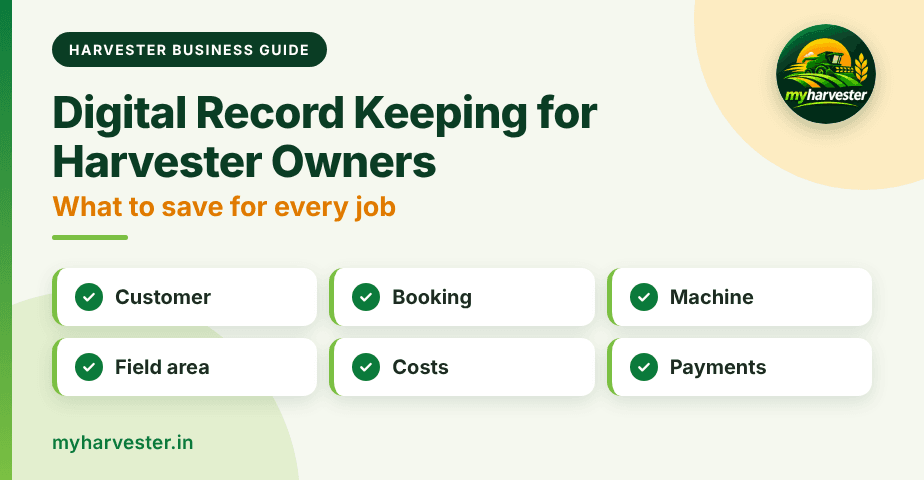
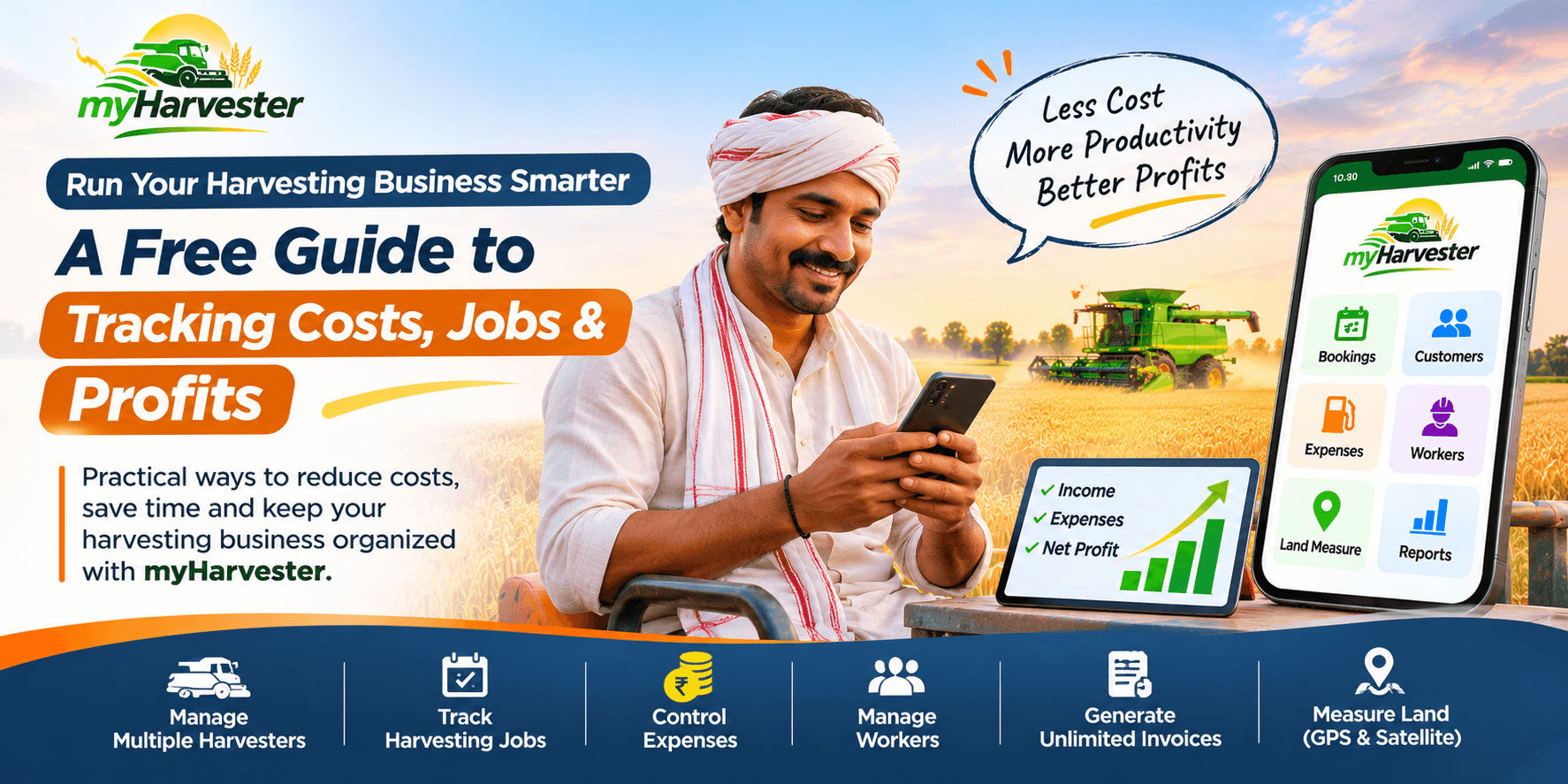
myHarvester covers six areas: harvesters, bookings, customers, field measurements, expenses, and payments. Each record links to the others. It is trusted by 1,000+ harvester owners across India and has managed 5,000+ harvesting jobs.
Why Harvester Owners Need One
Harvesting seasons are short, and every day counts. Manual records fail exactly when you are busiest. Here is where owners usually lose money:
- Double-booked jobs: Two farmers get the same date because the diary was not checked in time.
- Disputed acreage: The farmer remembers a smaller area than your note says, and nothing settles it.
- Forgotten dues: Small pending amounts add up when nobody tracks them.
- Hidden costs: Diesel and repair bills pile up without a season total.
- No season view: You cannot say which machine or month earned the most.
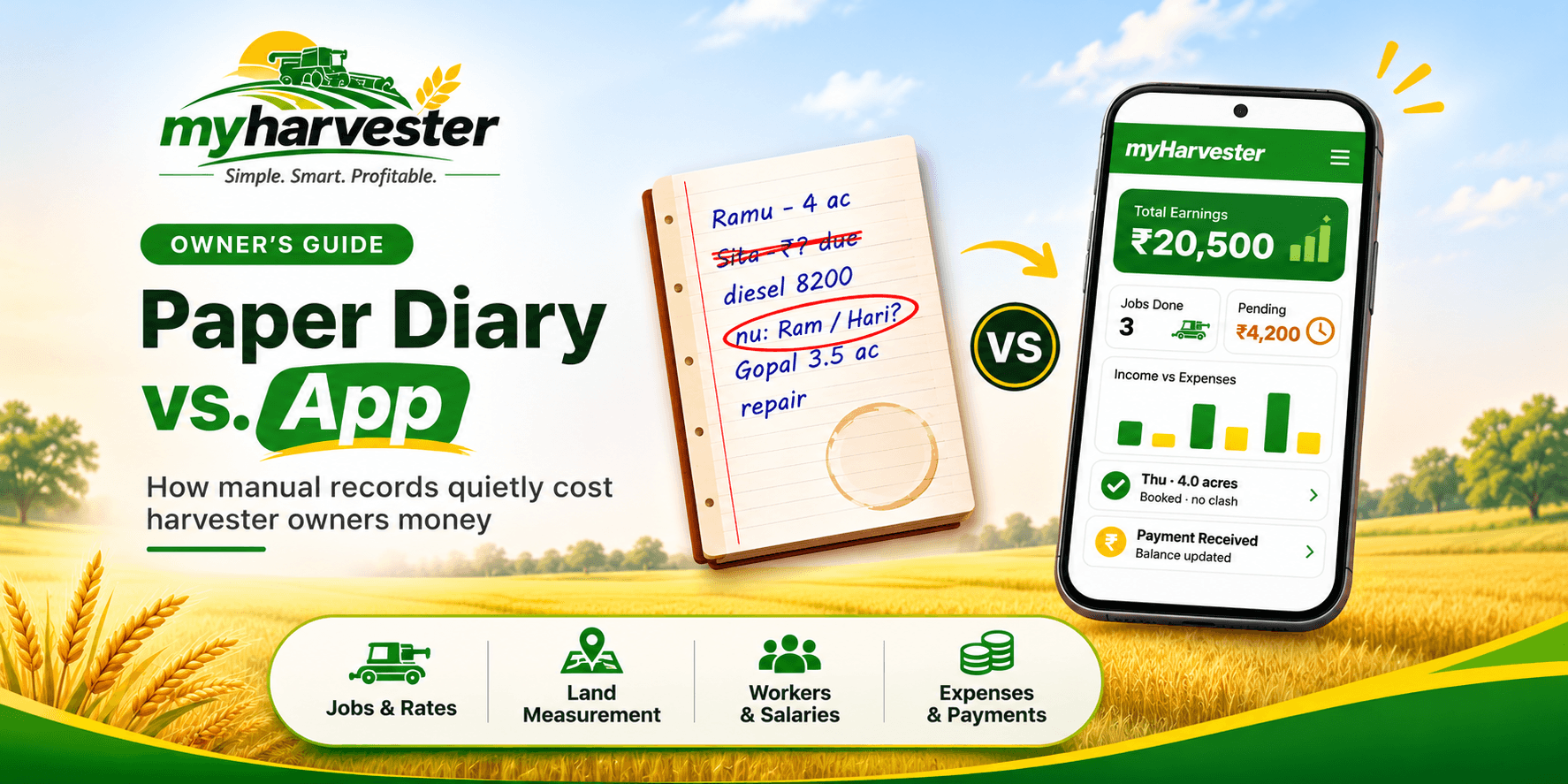
We explain this problem in detail in Paper Diary vs. Harvester Management App.
The 6 Core Features of a Harvester Management App
A good app should cover the full job, from the first call to the final payment. These are the six areas myHarvester handles.
1. Harvesters
Keep machine details, work status, and seasonal activity organized and easy to find. You can see which machine is free, busy, or finished for the season.
2. Bookings
Plan field work with customer, area, rate, and machine details in one connected record. This prevents missed and double-booked jobs.
3. Customers
Maintain farmer contact details, field history, payments, and pending dues in one place. Before you accept a new job, you can check what that farmer already owes.
4. Field Measurements
Record accurate area and acreage details for each job. Billing stays clear because the measurement is saved with the booking. Both sides can refer to the same figure.
5. Expenses
Track diesel, repairs, spare parts, travel, and other daily operating costs. Our guide to tracking harvester expenses and payments shows how to build this habit.
6. Payments
Record collections against completed work and see what remains due at a glance. You always know who has paid and who has not.
Paper Diary vs. Harvester Management App
Many owners start with a diary, and it works for a few jobs. As bookings grow, the gaps become costly. This table shows the difference.
| Task | Paper diary | myHarvester |
|---|---|---|
| Booking a slot | Check pages by hand | One connected record with customer, area, rate, and machine |
| Checking a farmer's history | Search old pages | Field history and dues in one place |
| Recording acreage | A note written per job | Area and acreage saved with each job |
| Tracking costs | Scattered bills and notes | Diesel, repairs, and travel in one record |
| Seeing pending dues | Add up amounts by hand | Amount due visible at a glance |
How myHarvester Works: A Field-First Workflow
The app follows the order of real field work. You add records as the job moves forward. Nothing needs to be rewritten at the end of the season.
| Step | What you do | What you get |
|---|---|---|
| 1. Add the customer | Save the farmer's contact details | A customer record with field history |
| 2. Plan the booking | Enter area, rate, and machine | A connected booking record |
| 3. Complete the work | Record the measured acreage | Clear billing details |
| 4. Record the costs | Log diesel, repairs, and travel | A running cost record for the season |
| 5. Review the business | Check payments and dues | A clear view of what is earned and what is due |
A Peak-Season Day with the App
Picture a busy morning in the field. A farmer calls to book your combine for Thursday. You open his customer record, check his field history, and see an unpaid amount from last season.
Next, you check the machine's status and plan the booking with the area and rate. After the work, you save the measured acreage and the diesel cost. By evening, you know what the job earned and what the farmer still owes.
All of this stays in one app instead of scattered notes. That saves time and keeps your numbers consistent.
How to Choose a Harvester Management App
Not every app fits a harvesting business. Check these points before you commit.
- Built for harvesting: It should have fields for machines, area, rate, and dues, not just a general notes page.
- Quick entry: You should be able to add a job on your phone without a long form.
- Connected records: A booking should link to the customer, the machine, and the payments.
- Clear dues: You should see pending amounts without doing the math yourself.
- Simple onboarding: Sign-up should be easy, with no training course needed.
How to Get Started with myHarvester
Setup takes three simple steps. You can complete them from your phone.
- Register or download: Sign up at myharvester.in or install the app.
- Verify: Confirm your number with a WhatsApp OTP.
- Start: Begin using the app after quick account approval.
Join the 1,000+ owners who already manage their harvesting jobs in one place. Register at myHarvester or download the app before your next booking call.
Frequently Asked Questions
What is a harvester management app?
A harvester management app is a mobile tool that stores your harvesting records in one place. It tracks harvesters, bookings, customers, field measurements, expenses, and payments. This helps owners avoid missed jobs and forgotten dues.
Who can use myHarvester?
myHarvester is built for single-machine and multi-machine harvester owners and operators across India. It suits owners who handle wheat, paddy, soybean, and other seasonal harvesting jobs, including custom hiring centers.
What can I track in the myHarvester app?
You can track six things: harvesters, bookings, customers, field measurements, expenses, and payments. Each record connects to the others, so you see jobs, costs, and dues together.
How do I start using myHarvester?
Register at https://myharvester.in or download the app. Verify your number with a WhatsApp OTP, then start using it after quick account approval.